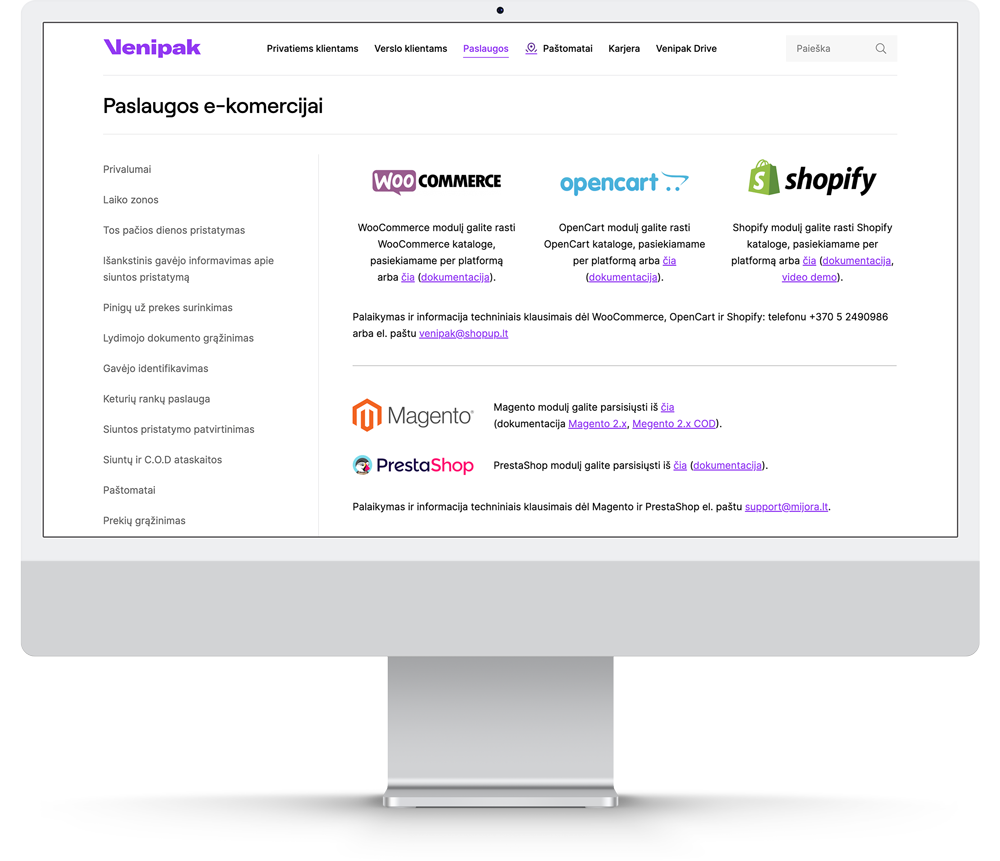
Venipak modules / plug-in’s
If you are using Venipak created module / plug-in’s you can update them following recommendations provided by eCommerce platform.
Please check your eCommerce platform support page “How to update plug-in“. As an example how to update WooCommerce plug-in’s are explained here: How To Update WooCommerce. Shopify app’s are always updated automatically, so you do not need any additional actions.
Note: If you have customized changes in Venipak module / plug in, make sure you consult with your IT partner or module creator before updating module / plug in, as it might impact custom changes and reset them to default.
Direct integration
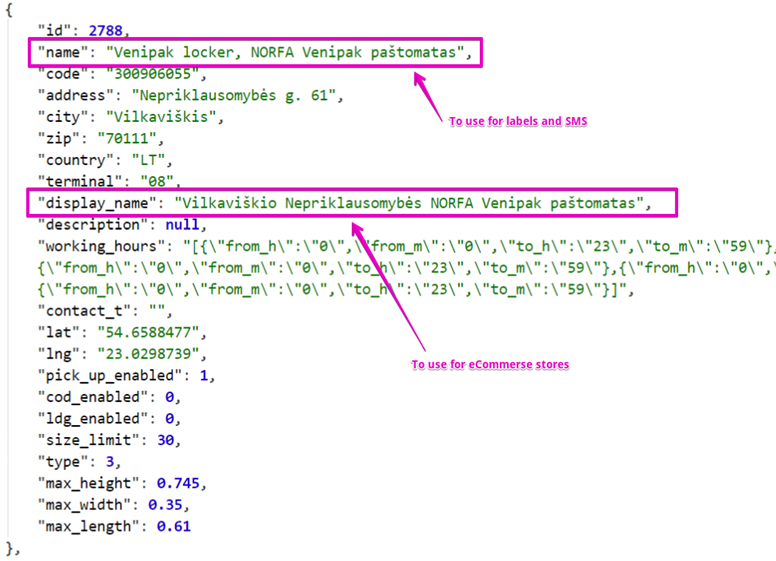
If you have direct integration with Venipak please use below defined parameters :
“display_name“ – new parameter (released 2022 April) dedicated to define Lockers and Pick Up point name. This parameter should be used for eCommerce checkout page.
“name“ – this parameter will be used as BEFORE for LABELS and SMS (this is mandatory).